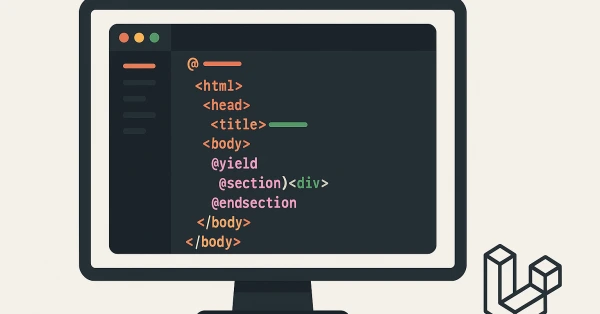
Blade is Laravel’s simple, yet powerful templating engine. In this step-by-step Laravel Blade tutorial (2025), you’ll learn how to build dynamic and reusable HTML templates using Blade — from basic syntax to layout inheritance and components.
🧠 What is Blade in Laravel?
Blade is Laravel’s built-in template engine that lets you write clean, readable HTML mixed with Laravel-specific syntax. Blade files have the .blade.php extension and are stored in the resources/views directory.
📁 Creating a Blade View
To create your first Blade file:
resources/views/welcome.blade.phpExample content:
<!DOCTYPE html>
<html>
  <head>
    <title>Welcome Page</title>
  </head>
  <body>
    <h1>Welcome to Laravel Blade!</h1>
  </body>
</html>
🧩 Blade Templating Syntax
Here are common Blade syntax elements:
- Echo output:
{{ $variable }} - If/Else:
@if, @elseif, @else, @endif - For loops:
@for, @foreach, @while - Include:
@include('partial')
💡 Example: Using Blade Variables
<h1>Hello, {{ $name }}!</h1>In your controller:
return view('welcome', ['name' => 'Birendra']);📦 Blade Conditionals
@if($isAdmin)
  <p>Welcome, Admin!</p>
@else
  <p>Welcome, Guest!</p>
@endif
🔁 Blade Loops
@foreach($users as $user)
  <li>{{ $user->name }}</li>
@endforeach
📐 Layouts and Sections
You can create reusable templates using @extends, @section, and @yield.
1. Create a layout: resources/views/layouts/app.blade.php
<html>
  <body>
    <header>Laravel Blog</header>
    @yield('content')
    <footer>© 2025</footer>
  </body>
</html>
2. Extend the layout in your view:
@extends('layouts.app')

@section('content')
  <h1>This is the blog post</h1>
@endsection
🧱 Blade Components (Optional)
Blade lets you build reusable UI components using php artisan make:component.
Create a button component:
php artisan make:component ButtonThen use it like:
<x-button>Click Me</x-button>📌 Where to Store Blade Files?
- Pages:
resources/views - Partials:
resources/views/partials - Layouts:
resources/views/layouts - Components:
resources/views/components
✅ Final Tips for Blade Beginners
- Use layout inheritance to avoid repeated HTML
- Keep logic inside controllers — not views
- Use components for reusable UI
- Use
@includefor headers/footers - Don’t overuse logic in Blade — keep it clean
📘 Learn Blade — Master Laravel
Blade is your gateway to fast and elegant Laravel development. Mastering it will make you more productive and keep your code DRY and maintainable.
Need help building your Laravel app? Contact me here →